Handpicked Resources I Used to Learn Modern Web Development
When I started building real projects — from static web pages to full frontend-backend applications like Medivue — the journey wasn't about memorizing syntax. It was about understanding why technologies work together: HTML, CSS, JavaScript, React, and backend APIs.
Along the way, I curated a set of high-quality, practical learning resources that helped me build both foundational knowledge and real development skills.
Below are the videos and playlists I followed — organized by topic — along with why each one helped me and how I used them in real projects.
HTML — The Foundation of the Web
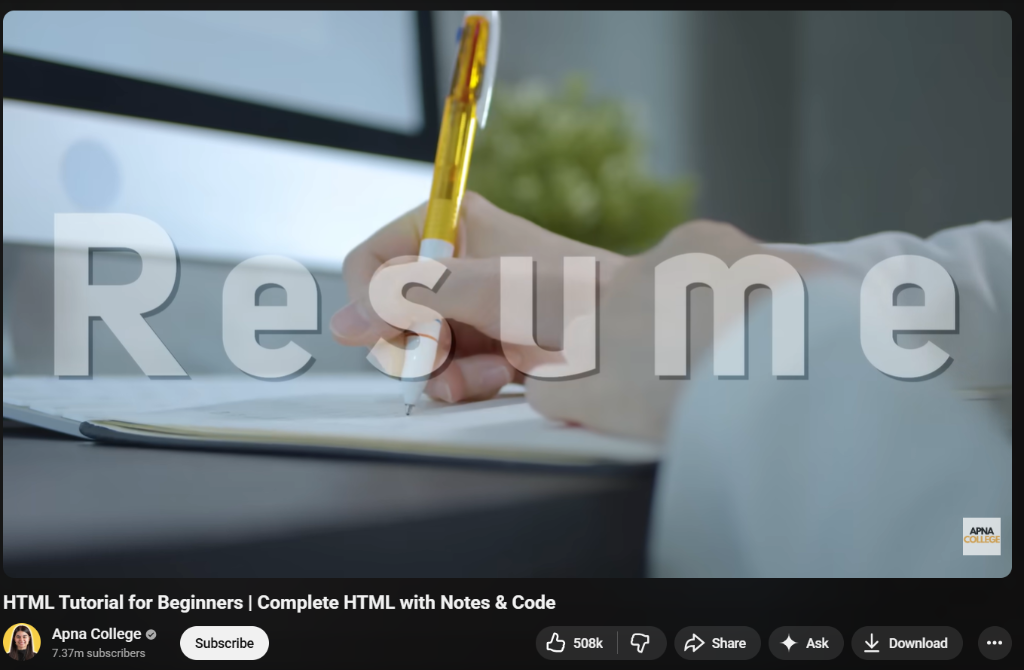
Why This Helped
This tutorial was one of the clearest introductions to HTML I found:
- • Clean explanations of semantics
- • Real examples of structure
- • Practical page layout walkthroughs
How I Used It
Before CSS and JavaScript, I needed:
- ✓ Clean document structure
- ✓ Accessibility-friendly markup
- ✓ Semantic tags for SEO
These fundamentals made writing React components easier later.
CSS — Styling with Purpose
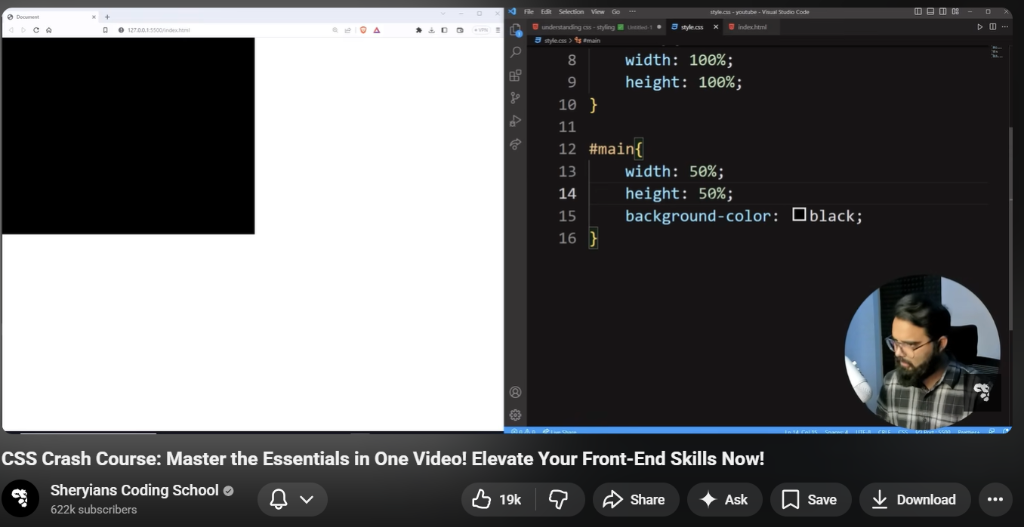
Why This Helped
This CSS tutorial:
- • Broke down layout concepts
- • Explained Flexbox, Grid, and responsive design
- • Emphasized practical page styling
How I Used It
CSS is the backbone of every UI I built:
- • Global layouts
- • Responsive navigation
- • Component spacing systems
Everything in my UI, even in React, is rooted in solid CSS fundamentals.
JavaScript — The Language of the Web
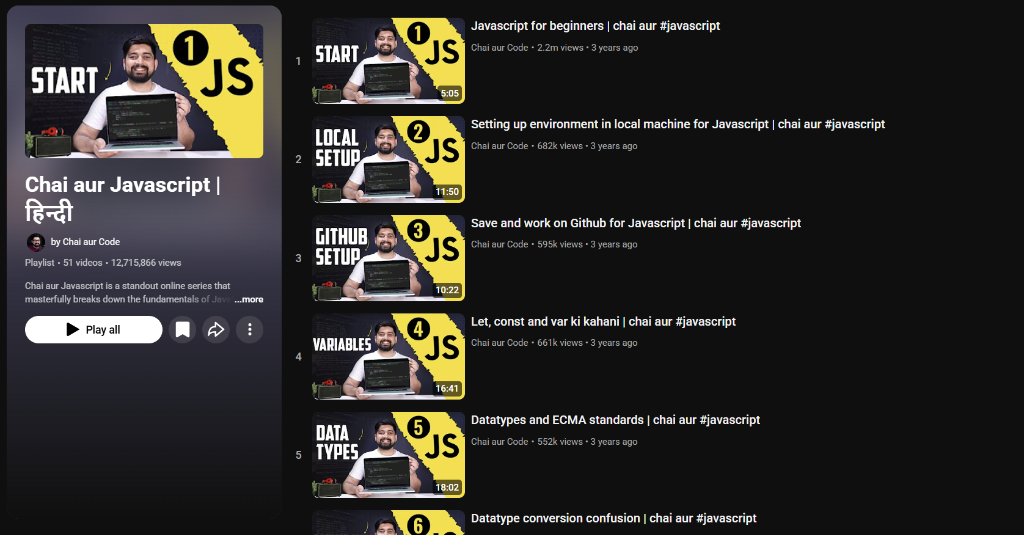
Why This Helped
This playlist gave me:
Core concepts from scratch
DOM manipulation
ES6+ features
How I Used It
JavaScript drives:
- • Interactivity
- • Event handling
- • Logic for forms, state, and asynchronous operations
Without strong JavaScript fundamentals, React becomes confusing quickly.
React — Building Modern Frontend UIs
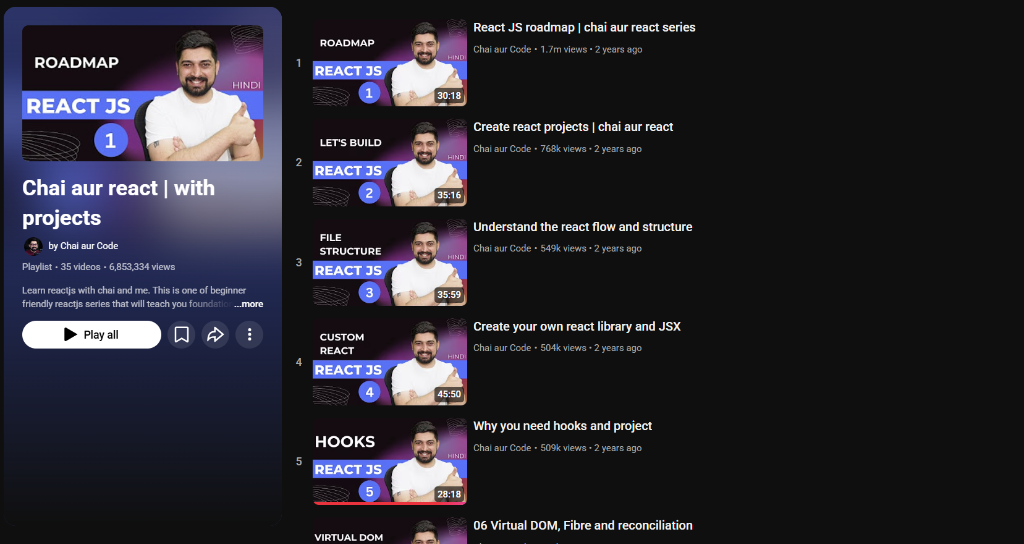
Why This Helped
This React series was instrumental because:
- ✓ Concepts were introduced incrementally
- ✓ It tied JSX, state, and props to real UI examples
- ✓ It made React approachable
How I Used It
React is at the core of every web app I build today:
• Component architecture
• Routing
• Dynamic UI states
• Hooks and effects
This foundation let me scale from small components to entire pages.
Backend Development — APIs, Routing, Data
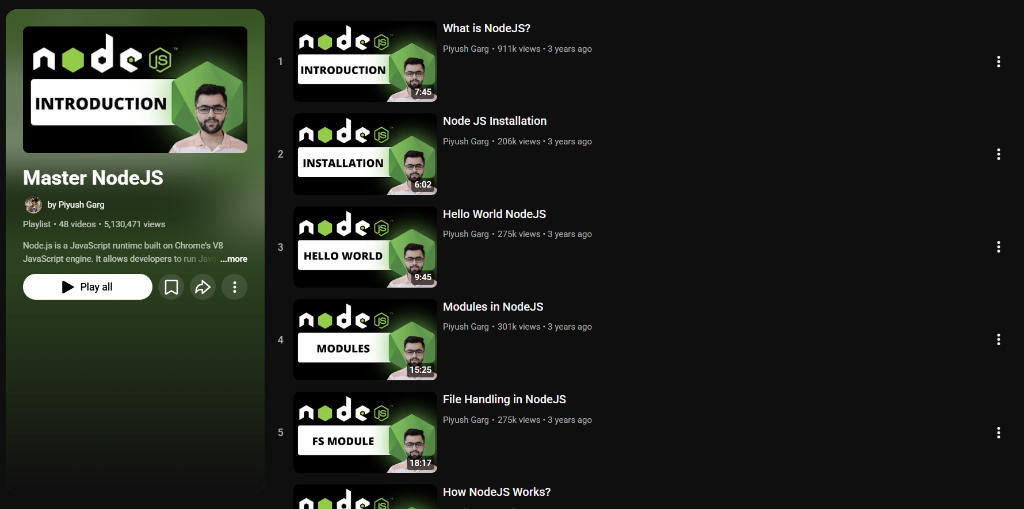
Why This Helped
This playlist covers:
• Routing fundamentals
• REST APIs
• Server setup
• Database interaction
How I Used It
Backend knowledge allowed me to build full-featured applications like Medivue:
- • Endpoints for appointments
- • Authentication workflows
- • Real-time chat and signaling
- • Database operations
Backend isn't just "extra" — it's essential for systems with real data flow.
How I Approached Learning (Not Just Watching)
Learning web development is more than bookmarking videos:
Build While You Learn
Every concept I watched I immediately applied:
- • Create small projects
- • Rebuild UI pieces
- • Experiment with layout & interactions
This cemented understanding.
Connect Concepts Across Layers
Examples:
HTML structure informs React component markup
CSS utilities become design systems
JavaScript state becomes frontend logic
This continuity accelerated learning.
Refactor With Purpose
I didn't just finish tutorials — I went back and:
- • Improved code clarity
- • Split components logically
- • Added routing and data flow
This is how side projects became portfolio projects.
Final Thoughts
Every expert starts as a beginner — but great learners approach the journey strategically:
→ They focus on core concepts
→ They apply as they learn
→ They build real experiences, not just watch content
The resources above gave me confidence — not just knowledge.
If you're on a similar path, I hope this shortlist helps you build with clarity rather than confusion.